

Build Your Kitchen
Around the Stone.
Compare countertop colors with cabinets, backsplash and flooring. Then preview edge profiles before making your final selection.
See the Full Look
Before You Choose.
Start with the kitchen visualizer, then switch to the edge tool to compare the finishing detail around your countertop.
Interactive Kitchen Visualizer
Save the names of any countertop colors you like so our team can help you compare real samples and current availability.
Open Full Screen ↗Countertop Edge Visualizer
Use the tool for inspiration, then view the edge profiles professionally fabricated by Sondos Stone.
View Our Edge Profiles →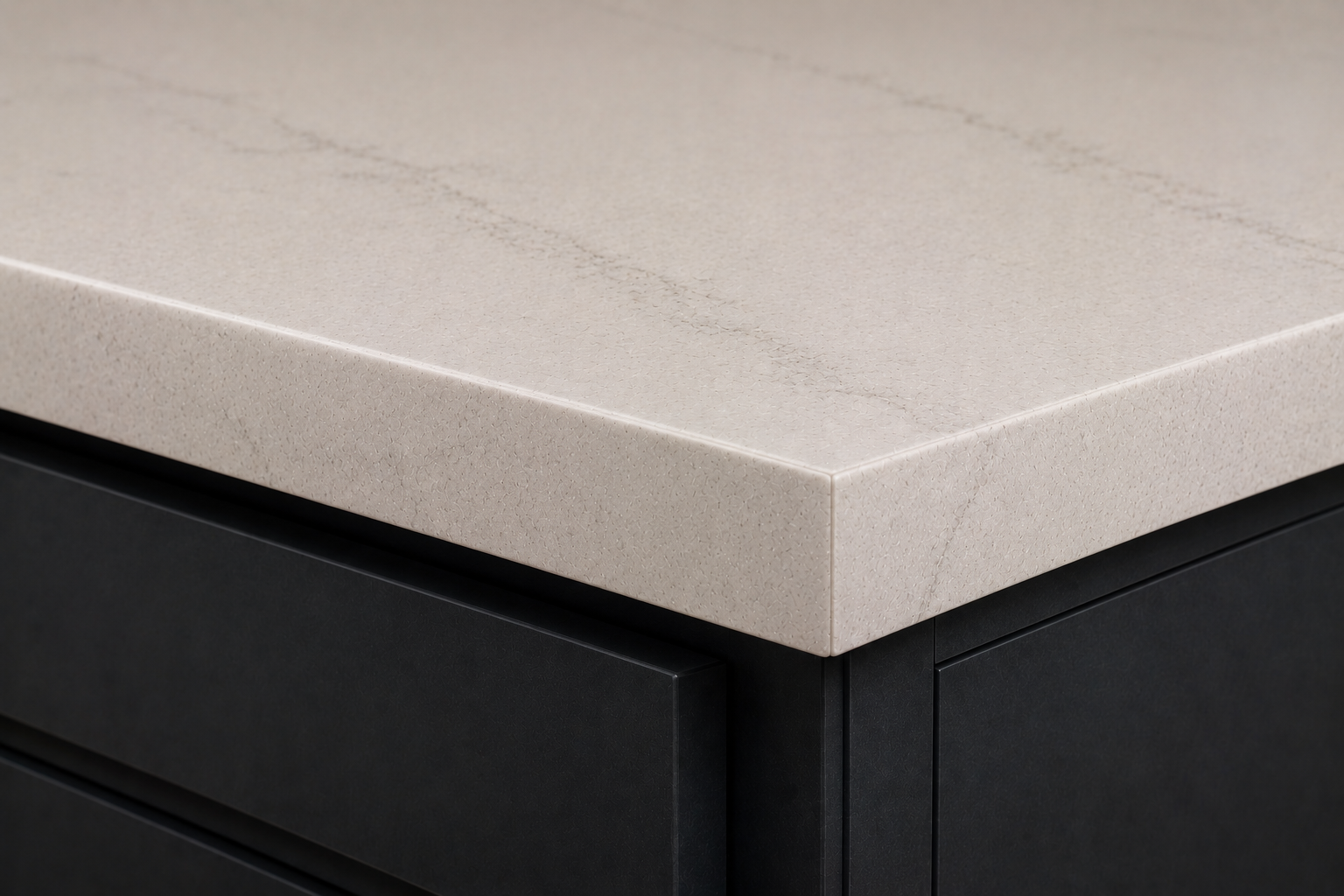
Complete the
Countertop.
The edge is the finished shape along the visible side of your countertop. It can make the surface feel cleaner, softer, thicker or more decorative.
Explore all ten Sondos Stone edge options, including eased, beveled, bullnose, ogee, chiseled and mitered profiles.
View Edge Profiles →
Get Your Instant
Countertop Estimate.
Choose your material and enter your approximate measurements to receive a quick starting estimate.
Get an Instant Quote →